01
Attach QR to the device
Every machine, device or vehicle gets its own QR code.
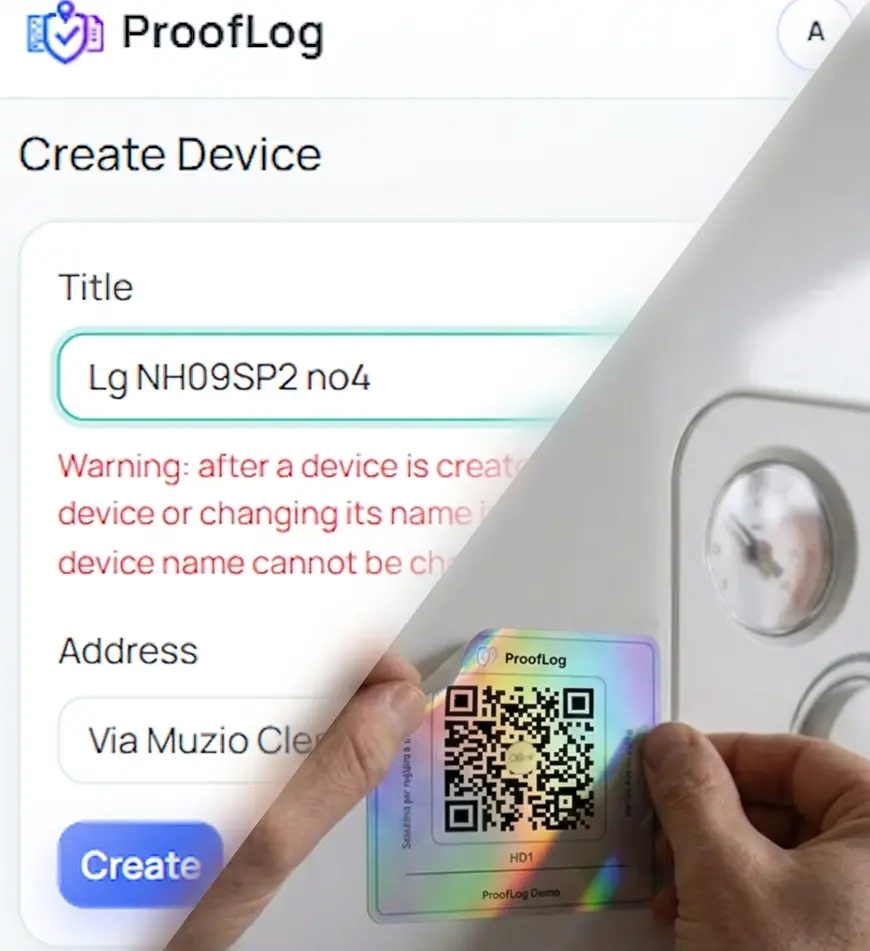
Create verified service records with QR codes, photos, customer signatures, GPS validation and complete device history.
Less worry, less searching for documentation, more order in service history. Flexible and easy entry, with a serious audit trail. No paper logs. No mobile galleries and no WhatsApp - Viber search chaos.
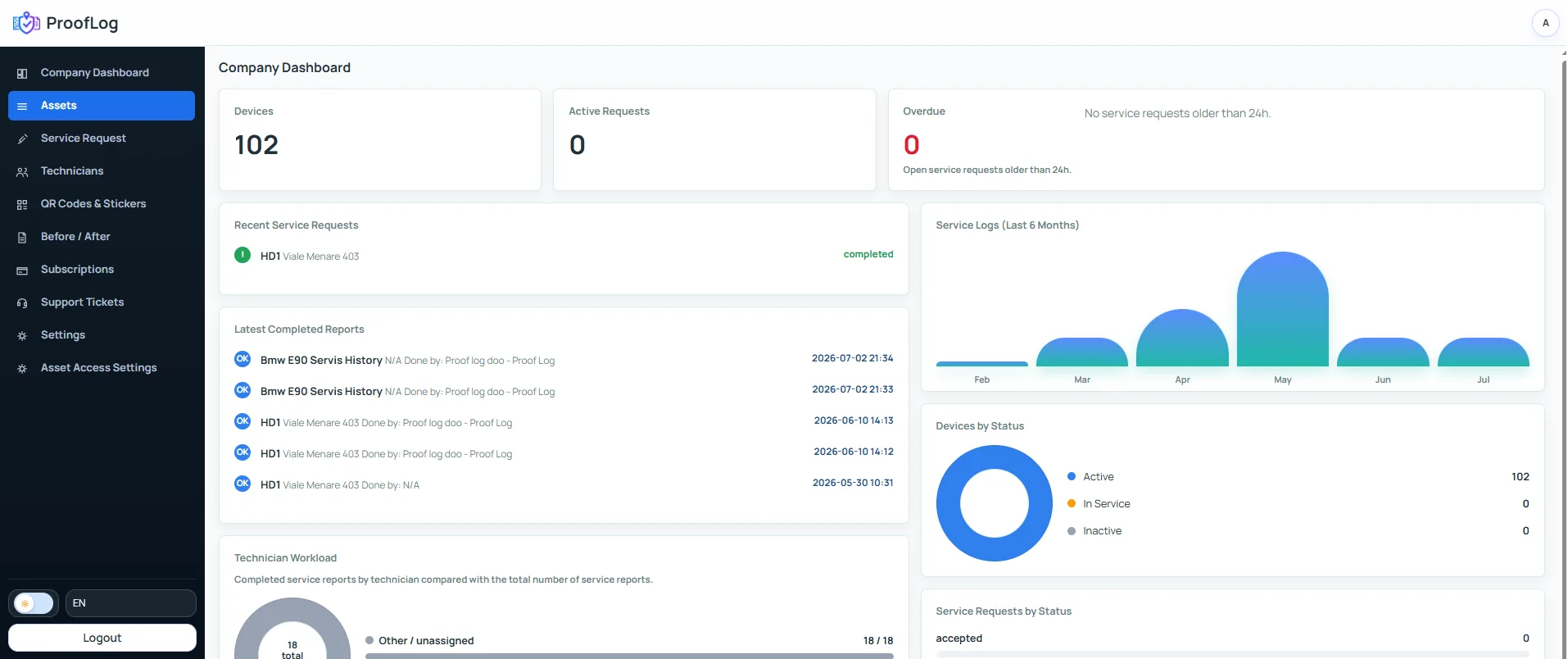
From QR scan to verified service history in seconds.
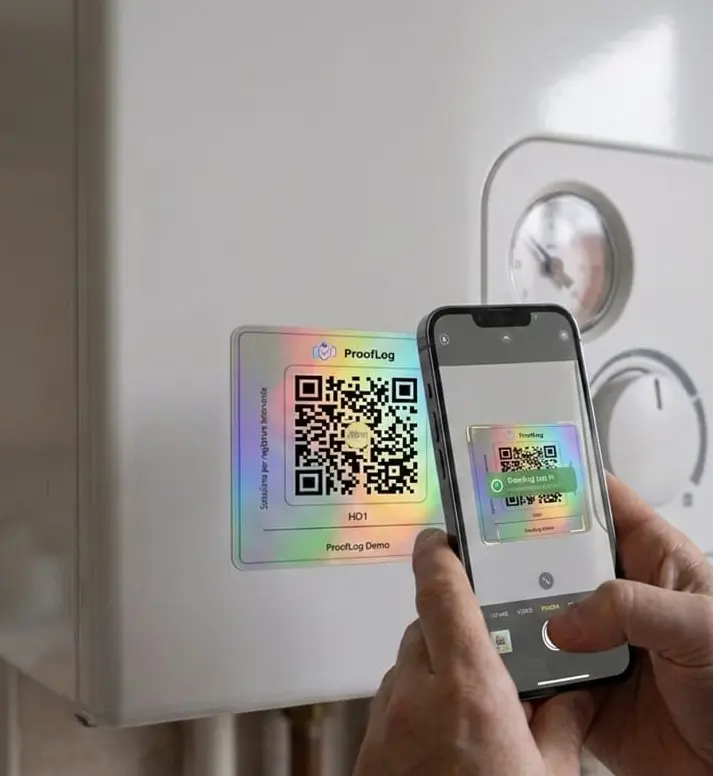
Every machine, device or vehicle gets its own QR code.
Technicians scan the QR code and open the correct device instantly.
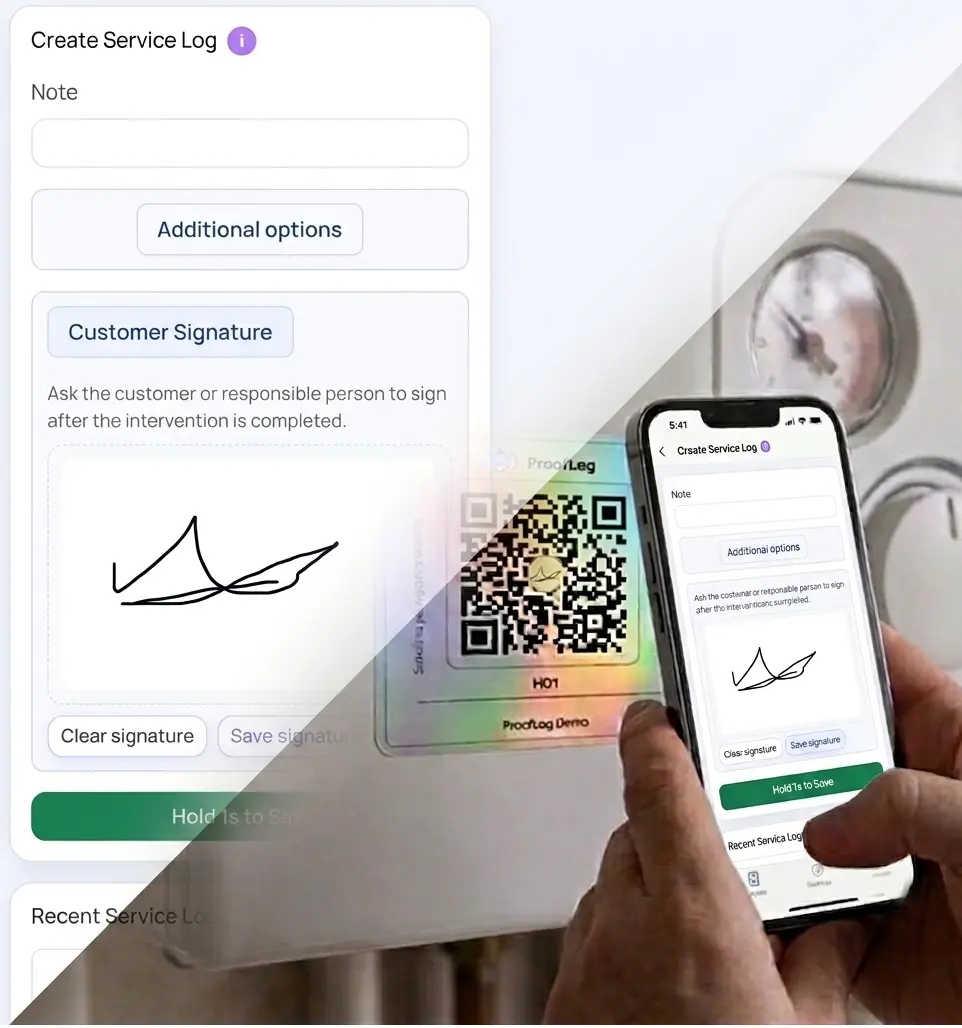
Add notes, photos, checklist items, documents, signature and GPS proof.
Owners and authorized users can review the complete service history anytime.
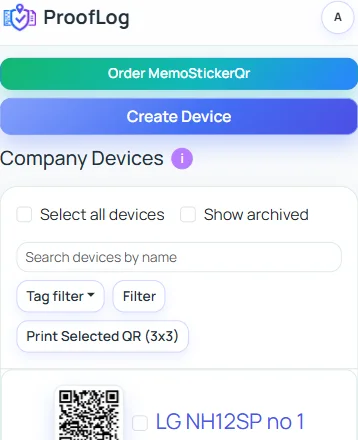
If a device has a QR code, it can have its own service history.
A complete digital proof layer for maintenance and field service work.
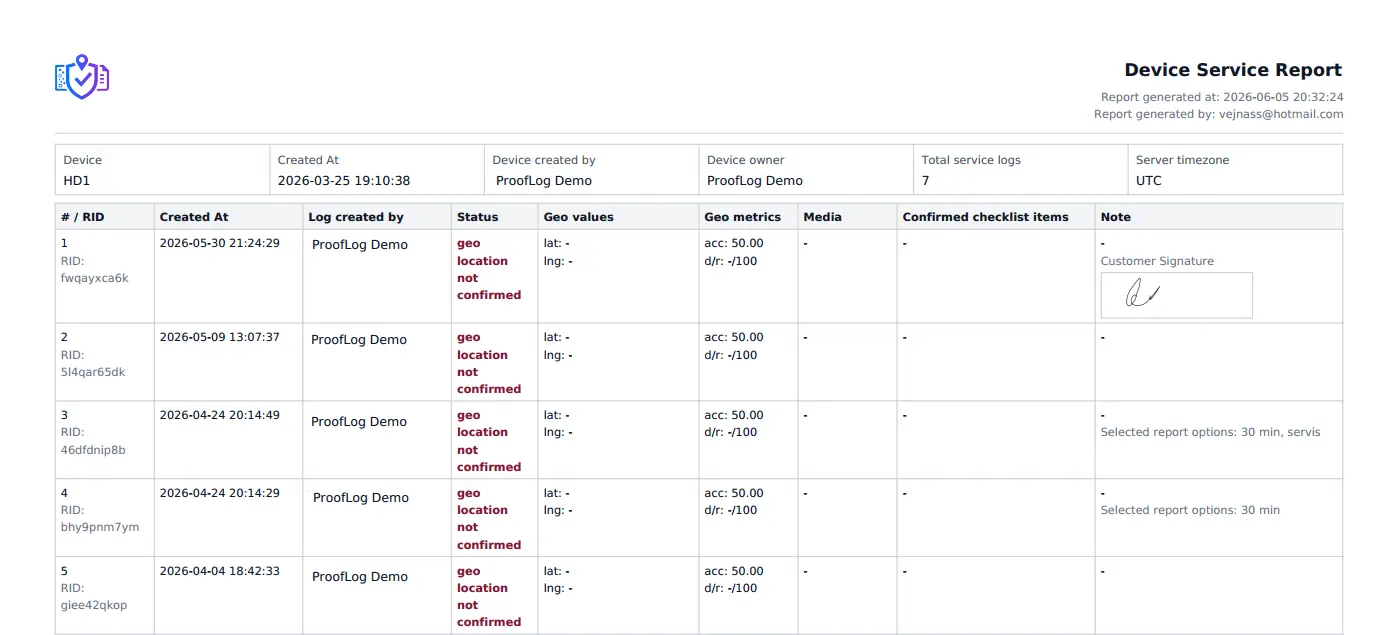
Every intervention, photo, video, checklist, document and note stays permanently connected to the device. No more searching through paper, chats or spreadsheets.
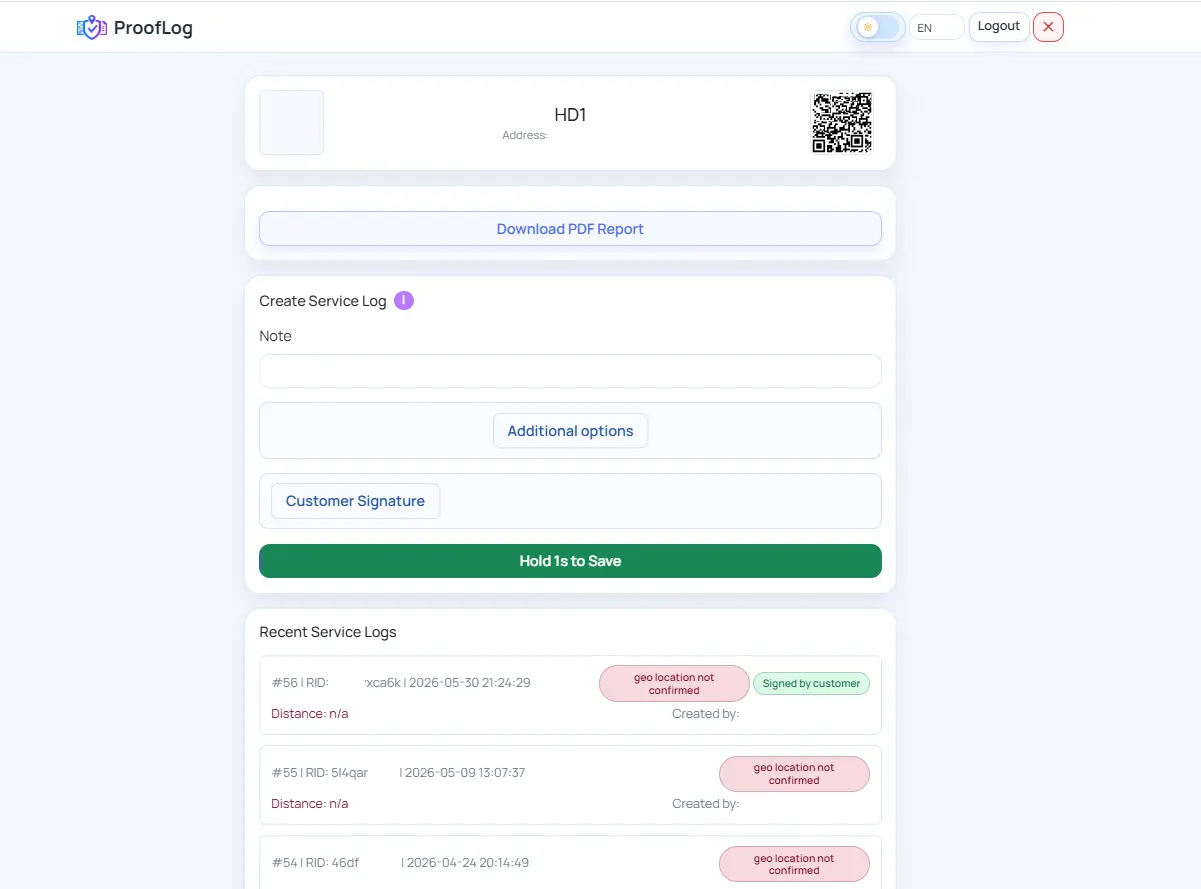
Before and after photos, checklists, documents, customer signature, server time and optional location confirmation create a clearer intervention trail. Just scan the QR code to download the report or review the work history directly.
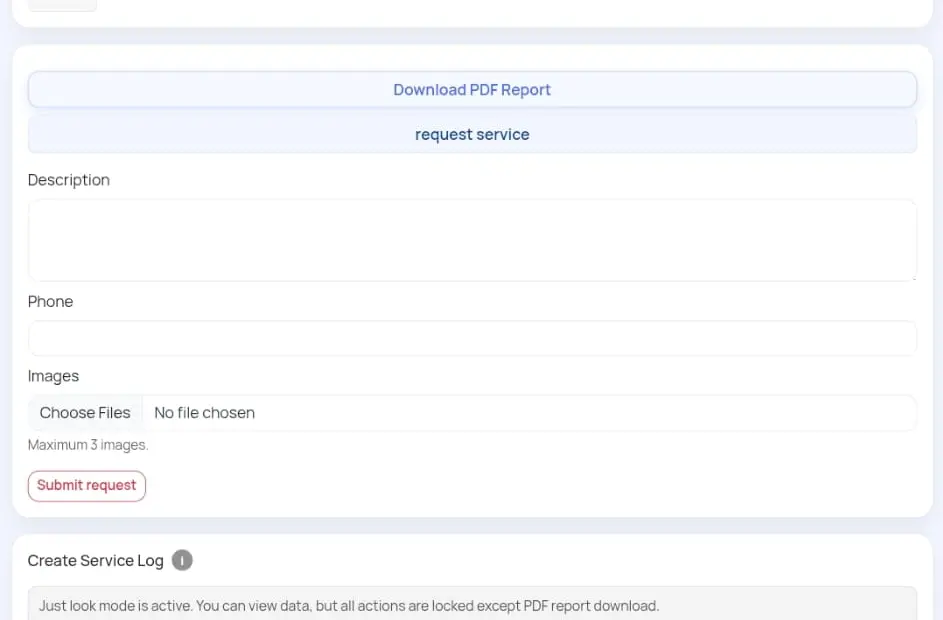
Your clients can scan the device QR code and send a service request directly through the app, or view the contact details you have set or updated. They can also get a clear view of the device service history and documentation.
Assign a service request to the responsible technician and track who sees it, when it was created, and which device needs service.
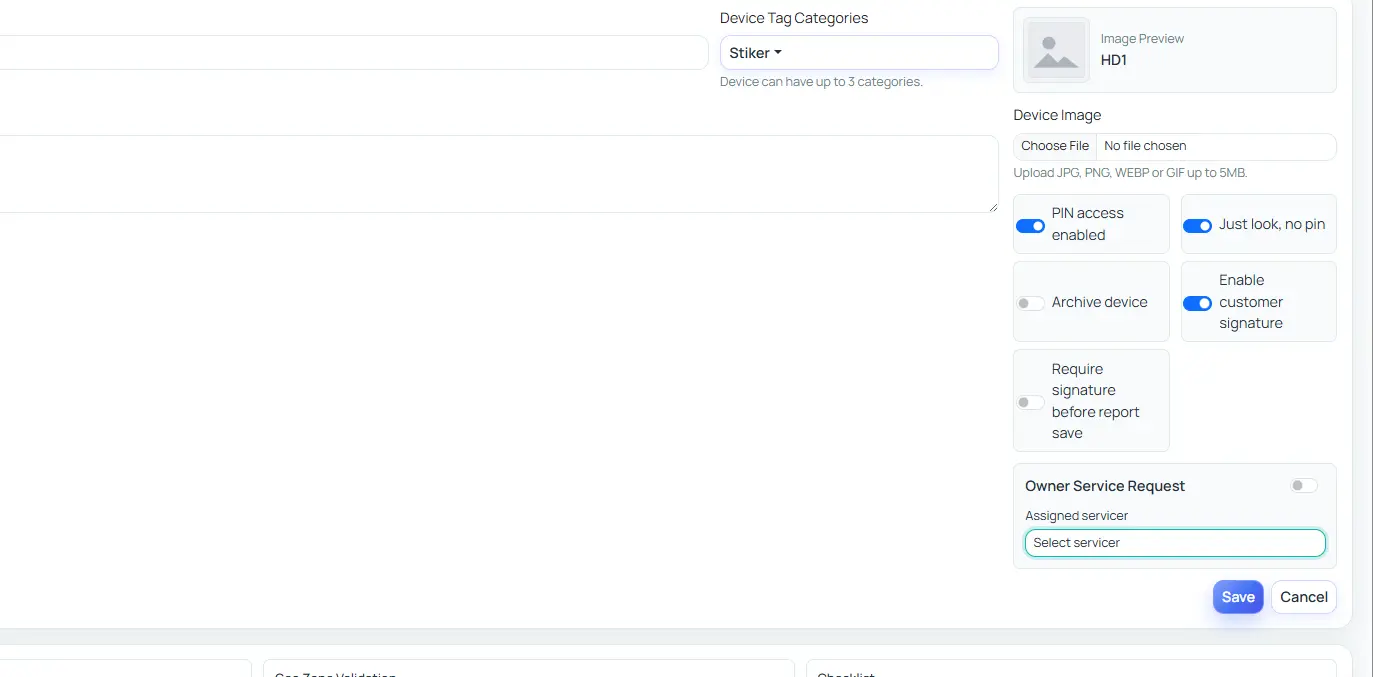
See who worked on each device, when the intervention happened and what was done.
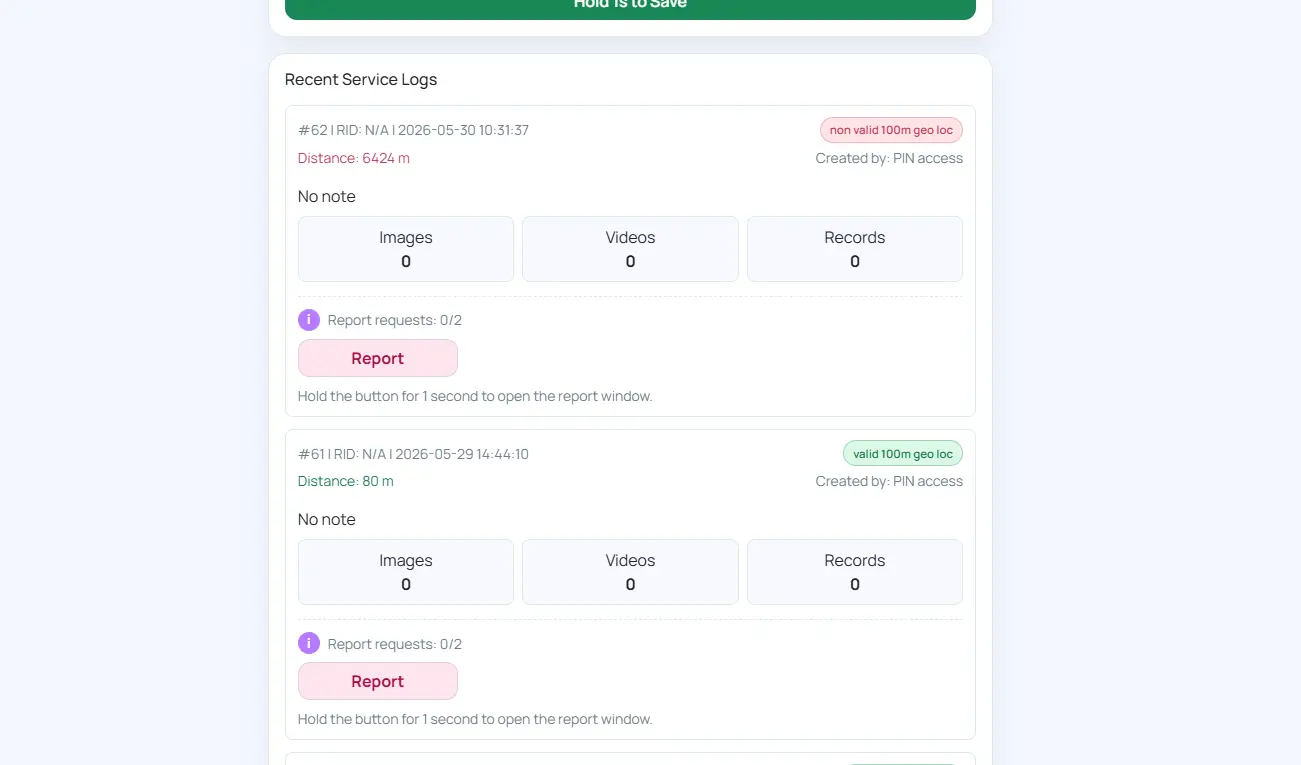
Store notes, helper instructions and documentation in your archive. Digitize them and assign them to one asset, a group or globally. Your documentation is then ready on every device.
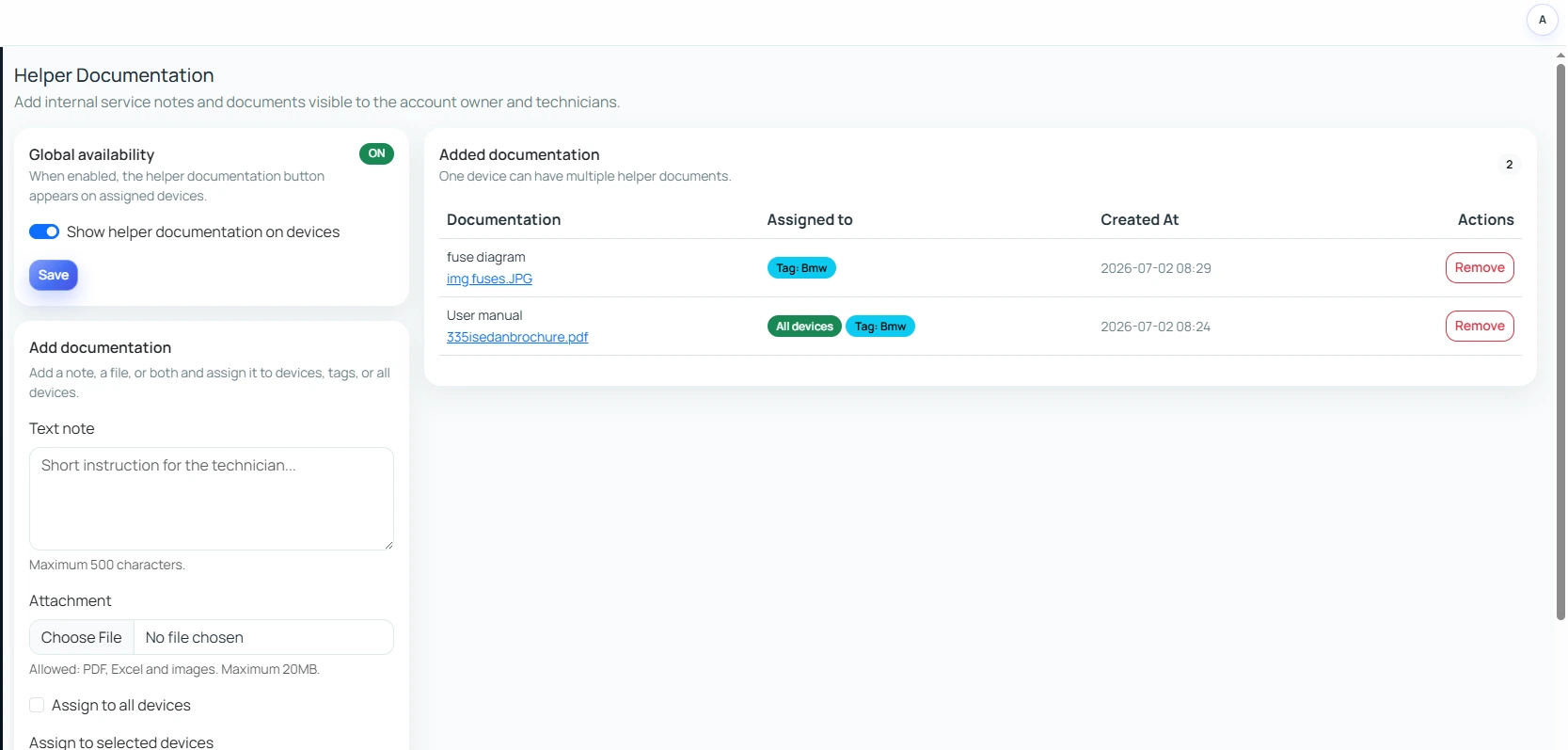
Every job has proof: photos, time, location and signature.
Replace binders, WhatsApp messages and spreadsheets with one organized system.
Mobile-first reports help technicians document work in a few taps.
Share clean service records and before/after proof when needed.
Keep intervention history, documents and reports connected to each device.
Professional proof and clear history make your service look more reliable.
Create before-and-after service examples that can be safely shared with customers or displayed on your website.
View example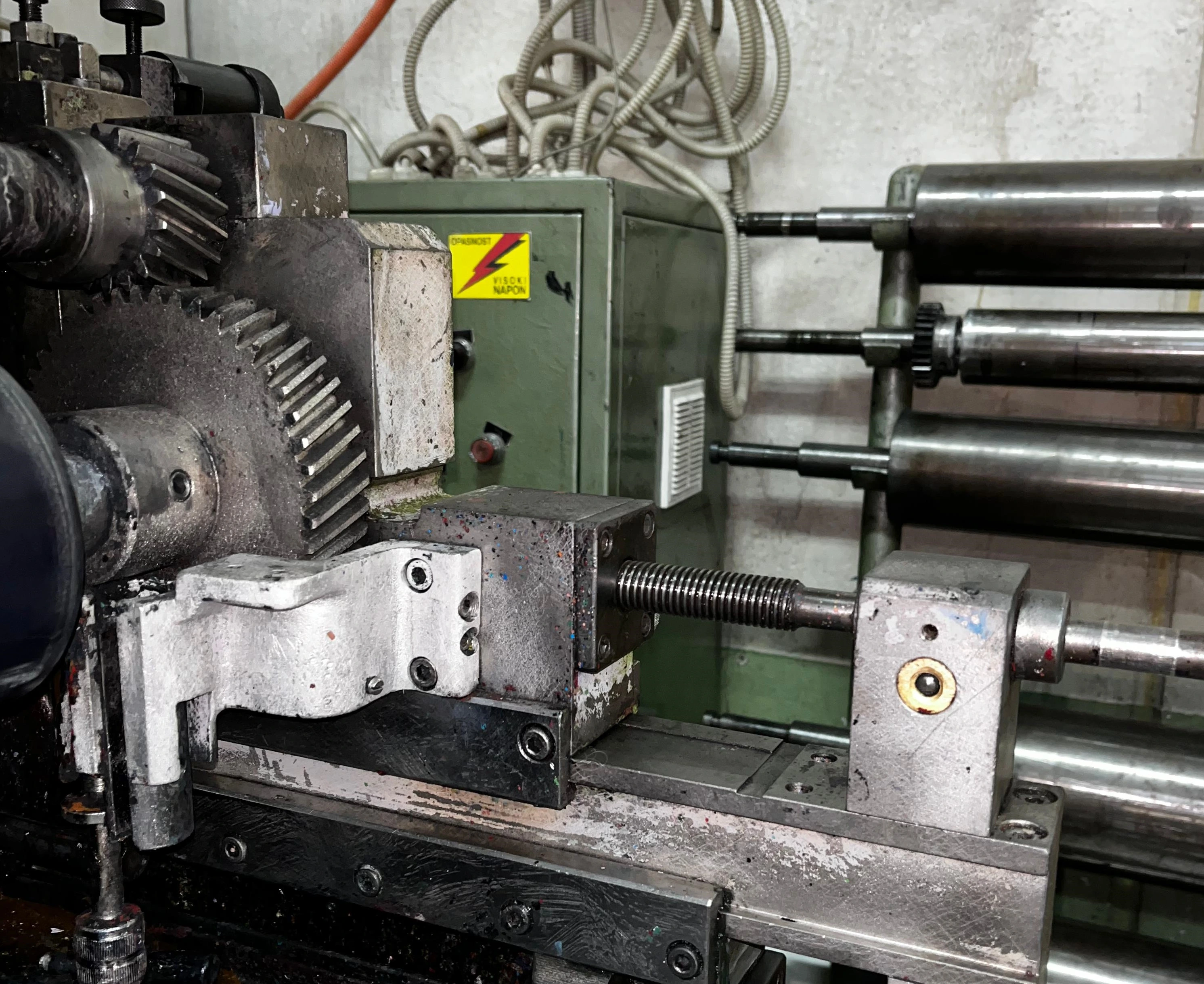
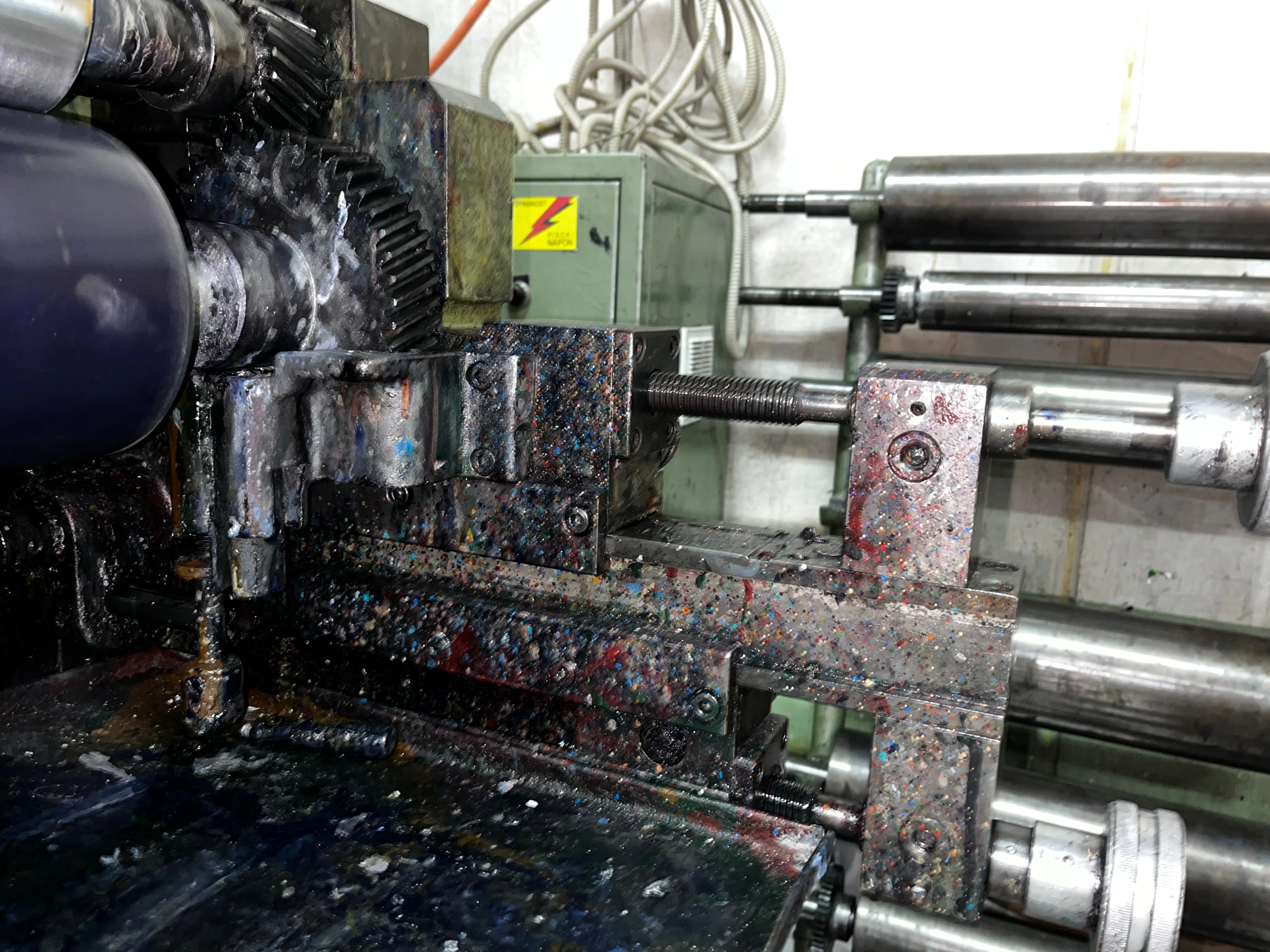
Order durable QR labels and link them to your devices from the first scan.
We are sorry, new stock is being prepared. Submit a request to be notified when it is available again.