QR for maintenance
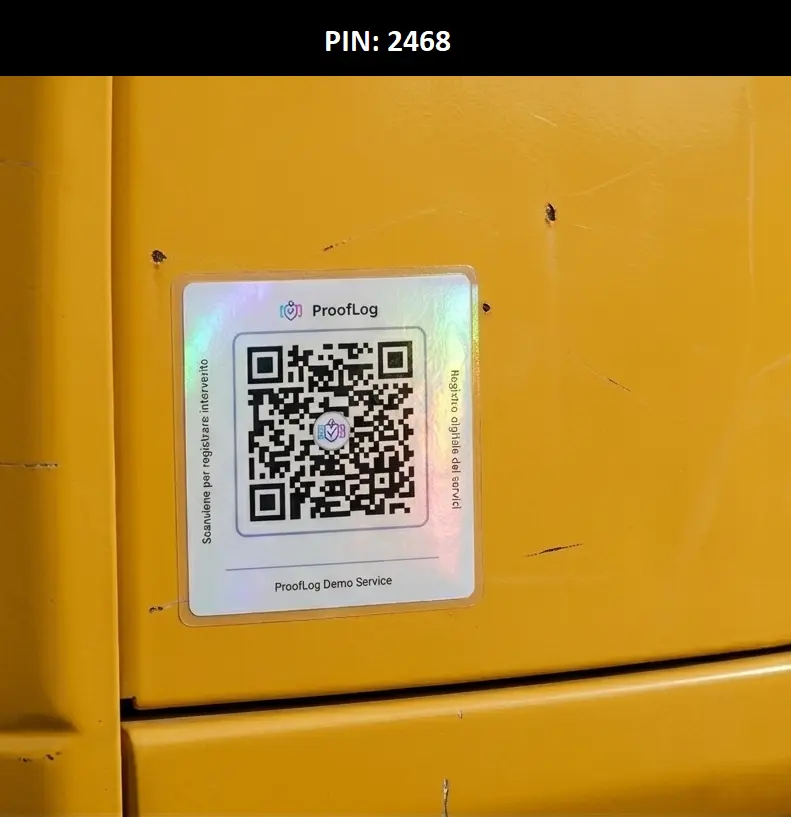
QR maintenance: scan quickly, see the history instantly. Try it now and scan the demo asset.
Each device has its own QR. The technician scans, opens the card and logs intervention. From that moment, the history starts.
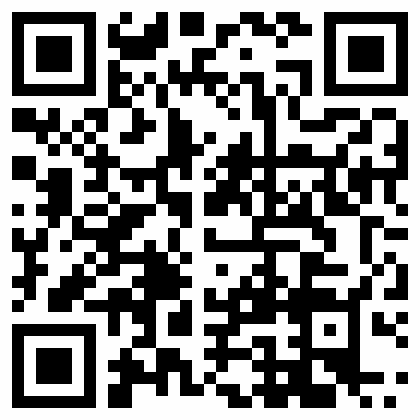
Interactive demo
Scan the demonstration excavator QR
Open the locked demonstration asset and review service history, geo confirmations, checklist, and reports.
CAT 320 Bager - Hidraulični sistem
Demo PIN:
2468Demo email:
demo@prooflog.ioDemo password:
Open demo account
12345678How to use QR
1
Scan
The technician scans the QR with a phone.
2
Assign to device
The QR is linked to the correct device.
3
History active
Every new intervention goes to the same timeline.
Physical stickers available
Use your own printed QR or order ready stickers. Two options: basic stickers and premium durable labels.
QR sticker purchase is currently unavailable.